
There’s a new acronym every month. SEO became AEO (answer engine optimisation), then GEO (generative engine optimisation), and somewhere along the way people started selling special AI files, AI-friendly rewrites and “LLM visibility” packages to small businesses who just want to be found.
In 2026 Google published its own guide to optimising for AI answers in Search. The headline is refreshingly dull: optimising for generative AI search “is optimizing for the search experience, and thus still SEO”. This guide covers what that means for a website you’ve vibe coded, the basics that do most of the work, and what our own Search Console data taught us.
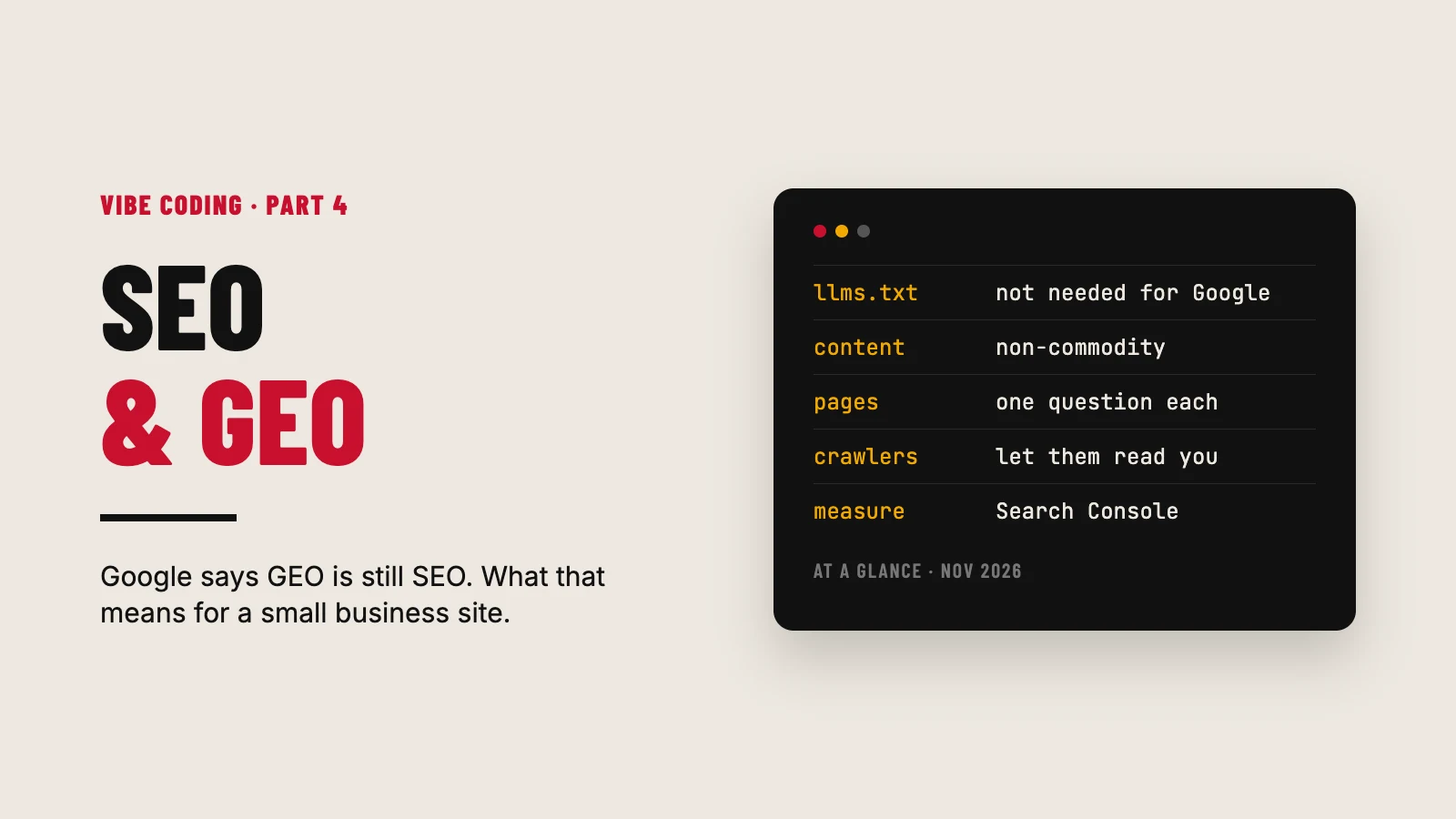
SEO and GEO at a glance
- GEO is mostly SEO done properly. Google says so in writing.
- You don’t need special AI files or markup for Google. Not llms.txt, not a Markdown copy of your site.
- Answer real questions, in your own words, with your own experience. That’s what gets picked up, by people and by AI.
- Get the technical basics right on every page. Your AI is very good at this part.
- Let AI crawlers in on purpose. You can’t be quoted by a tool that can’t read you.
- Measure it. Search Console tells you what’s actually happening.
What Google actually said about AI search
Google’s guide, “Optimizing your website for generative AI features on Google Search”, is worth reading in full. The parts that matter for a small business:
- No special files. “You don’t need to create new machine readable files, AI text files, markup, or Markdown to appear in Google Search.”
- llms.txt is fine but does nothing in Google. Making one “will neither harm nor help” your visibility in Google Search. Other AI tools might read it. Google doesn’t need it.
- Don’t chop your content up for robots. “There’s no requirement to break your content into tiny pieces for AI to better understand it.” You don’t need to write in a special way for AI either.
- Write “non-commodity content”. Things with your own point of view and experience, not the same answer everyone else has.
- Don’t game it. Making separate pages for every variation of a question to get into AI answers counts as scaled content abuse, which can get you penalised.
Google’s older page on AI features says the same thing more bluntly: “There are no additional requirements to appear in AI Overviews or AI Mode, nor other special optimizations necessary.” Your page needs to be indexed and eligible to show with a snippet, and that’s it.
What about ChatGPT, Claude and Perplexity?
Google isn’t the only place people ask questions now. The other AI tools find web pages in their own ways, using their own crawlers and search partners. They have fewer published rules than Google, but the same things help:
- They have to be able to read you. Check your Cloudflare AI Crawl Control settings (part 2 of this guide). If you’ve blocked their crawlers, they can’t quote you.
- Be mentioned elsewhere. AI tools lean on what other sites say about you. Directory listings, your LinkedIn, local groups, podcasts, guest posts. The things that build a real reputation build an AI one too.
- Be clear about who you are. Your name, what you do, where, and for whom, said plainly on your homepage and about page.
- Answer the question near the top. Not because AI needs it, but because everyone does.
The basics, on every page
This is where vibe coding helps, because an AI is good at the repetitive technical stuff. Ask it to check every page for:
- A unique title, with the main topic near the start, under about 60 characters.
- A meta description that says what the page answers, under about 155 characters.
- One H1, then H2s and H3s in a sensible order. Headings that describe what’s below them.
- Internal links between related pages. On our site, every post shows related posts chosen by its tags, so readers (and crawlers) always have somewhere useful to go next.
- Images with real alt text and sensible file names. Compressed, and sized for the screen.
- An XML sitemap, submitted in Search Console.
- A robots.txt that allows search engines in. (A very common vibe-coding mistake is leaving a “noindex” or a blocking robots.txt from the build stage switched on at launch.)
- Structured data where it fits, such as Article, Organization and LocalBusiness. Google is clear that it must match what’s visible on the page.
- Speed and mobile. Core Web Vitals in the green.
On WordPress, an SEO plugin handles a lot of this. We use The SEO Framework, and set a custom title and description on every post and page rather than leaving the defaults.
Write for the question, not the keyword
The most useful thing we’ve learnt about search didn’t come from a guide. It came from our own data.
When we first connected Search Console to one of our video channels, Google had shown our videos 46,475 times in 28 days. We’d had 12 clicks. Getting seen wasn’t the problem. Being the right answer was.
When we dug in, most of those views were for broad, one or two word searches where people wanted something else entirely, like a price comparison. Nobody clicking those was ever going to be ours. But a smaller slice were real questions (“what does it cover”, “what’s the difference between”), and there we were already sitting near the top of page one. That’s where the effort belongs.
So, for your own site:
- Find the questions your customers actually ask. Your inbox, your phone calls, your networking chats, the comments under your posts. Search Console’s queries report, once you’ve got some data. Keyword tools like DataForSEO, which Claude can query for you.
- Answer one question properly per page. Plain answer first, then the detail, then your own experience.
- Use the words your customers use, not your industry’s words.
- Ignore the vanity searches. Ranking for a big generic term that doesn’t bring the right people is a waste of your time.
How to use your AI for SEO (without making slop)
Good jobs to give it:
- “Audit every page for title, description, headings, alt text and internal links. Give me a table of what’s missing.”
- “Here are the questions our customers ask. Group them by topic and suggest which deserve their own page.”
- “Check this page answers the question in the first two paragraphs.”
- “Write the structured data for this page, matching only what’s visible on it.”
Jobs not to give it:
- “Write 50 blog posts about our keywords.” That’s the scaled content Google warns about, and it reads like it.
- “Make this more SEO friendly” with no detail. You’ll get keyword stuffing.
Write the substance yourself, or from your own notes and stories, and let the AI tidy, structure and check. Then run it through the “what does good look like” test from part 3.
Mistakes to avoid
- Paying for special “AI optimisation” files that Google says it doesn’t need.
- Blocking AI crawlers and expecting AI tools to recommend you.
- Leaving “noindex” switched on after launch.
- Mass-producing pages for every keyword variation.
- Chasing big generic keywords that bring the wrong visitors.
- Never checking Search Console.
The short version
Google says GEO is still SEO, and you don’t need special AI files for it. Get the basics right on every page, answer the real questions your customers ask in your own words, let AI crawlers read you, and get mentioned in the places your customers already look. Then measure it, which is the next guide.
This is part 4 of our Vibe coding a website guide. Next: Your website data, read and watched by AI.
Last checked: 9 November 2026. Search is changing fast, and we update this guide when it does.
Sources
- Google Search Central: Optimizing your website for generative AI features on Google Search (opens in a new tab)
- Google Search Central: AI features and your website (opens in a new tab)
- Search Engine Journal: Google’s new AI search guide calls AEO and GEO “still SEO” (opens in a new tab)
- Cloudflare docs: AI Crawl Control (opens in a new tab)


